

Skill Identifiers
Provide
skill_name or skill_id.
With skill_name, skill_version defaults to latest.
Skills vs Domains
When
skills are provided and domain is omitted, the platform creates a dynamic application from the skill’s prompt and JSON schema. You can still pass domain alongside skills if needed.Where Skills Work
Skills lifecycle
Create
Define the skill in a chat conversation or by uploading a skill package. Set the task description and output schema. Test it on sample files.
Edit
Update the prompt, schema, or metadata. Publish a new version. Callers on a pinned version stay on that version.
Navigating skills
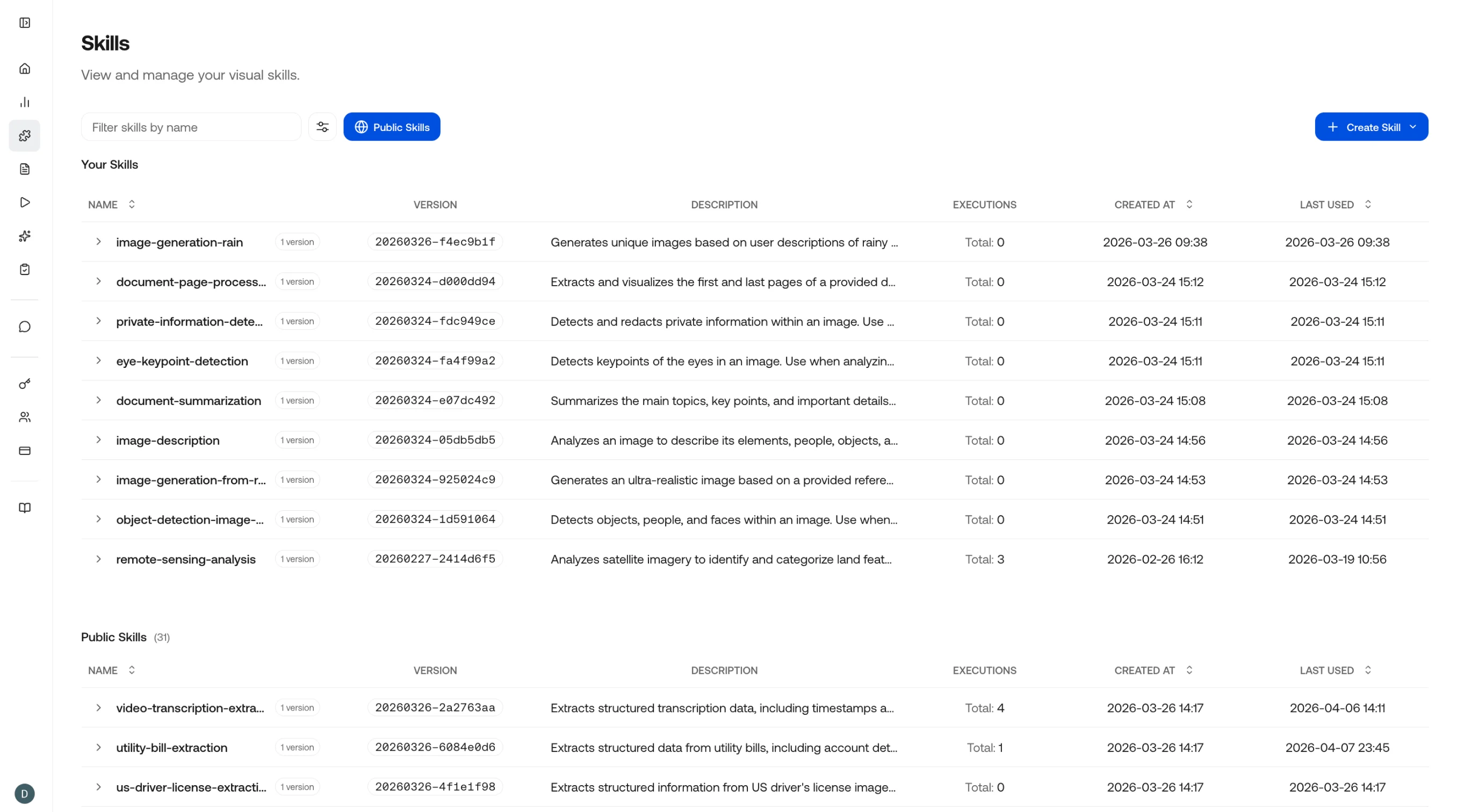
Configuring skills
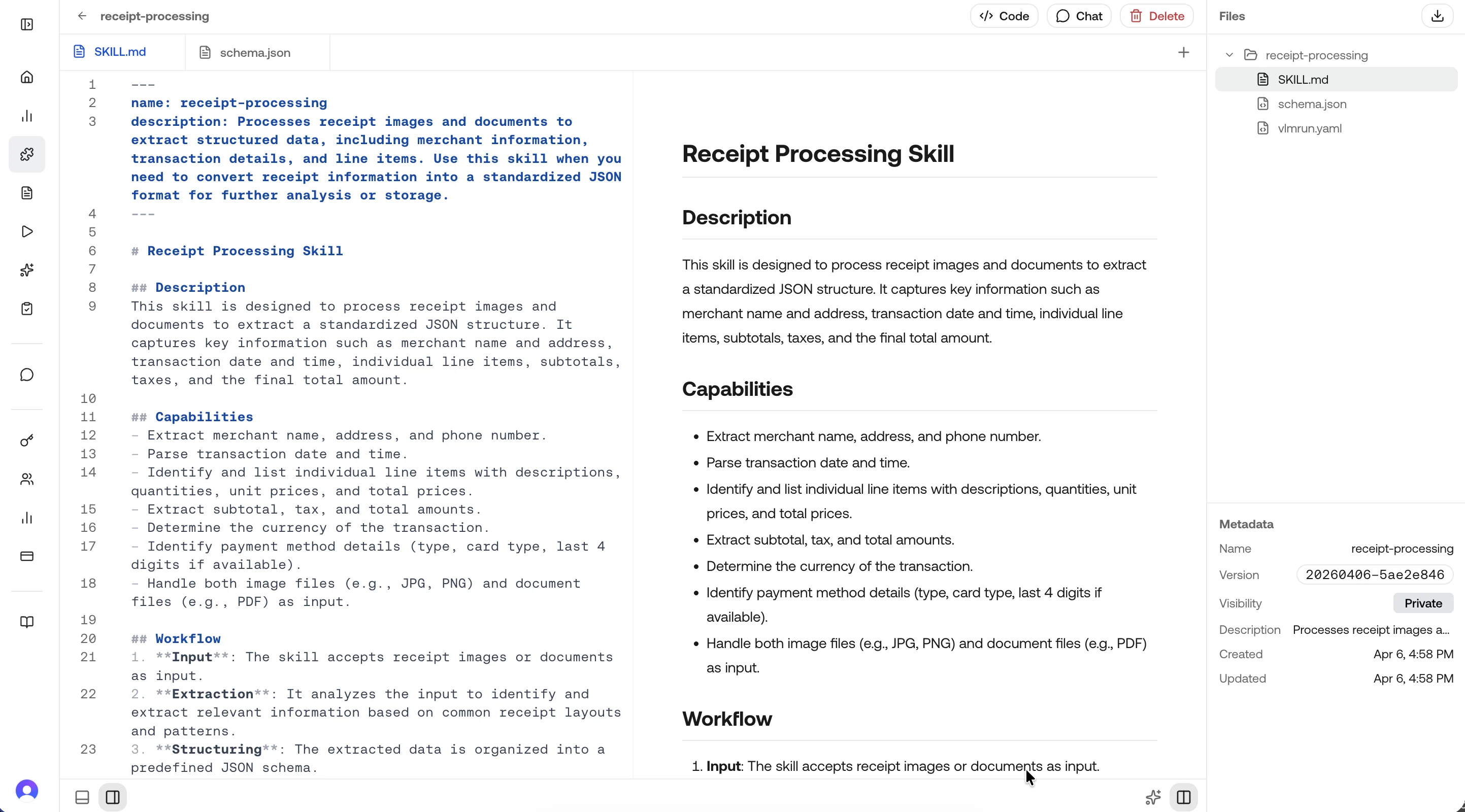
Best practices
Next
Quickstart
Get started with skills in under 2 minutes.
Create a Skill
Create a skill on the platform.
Edit a Skill
Update prompts and schemas, then publish a new version.
Use a Skill
Reference skills in chat, API calls, and agent workflows.
Skill Spec
The skill package format: skill.md, vlmrun.yaml, and schema.json.
Version Pinning
Control which version consumers use in production.
Skills via API
Create and manage skills programmatically with the REST API.