

/document/generate.
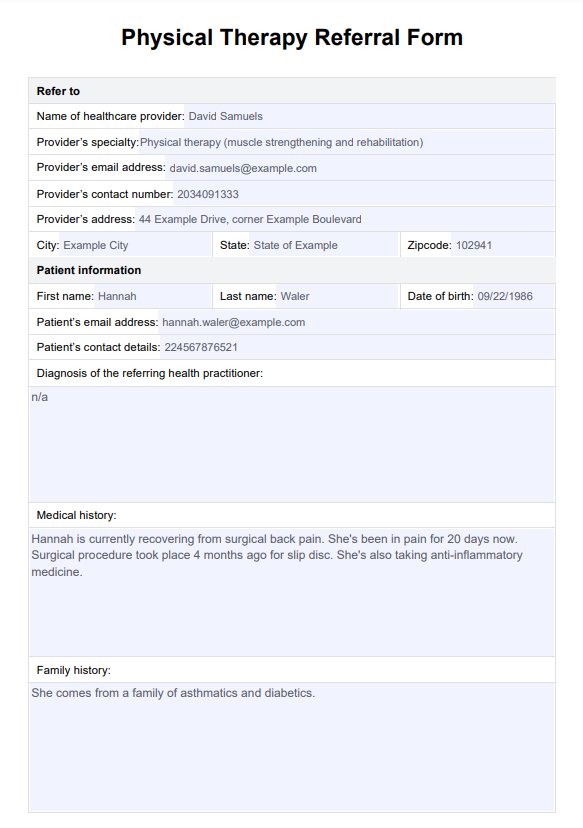
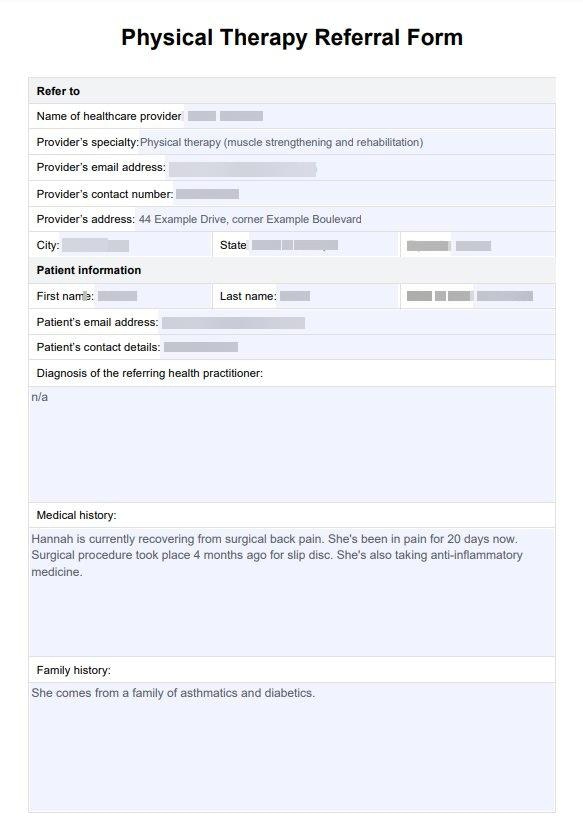
Quick Start
1
Upload Document
2
Submit for Redaction or Edit
3
Get Processed Document
Available Domains
Redaction Domains (Blur)
Edit Domains (Replace)
Information Types Redacted
- Personal Identifiers: Names, SSNs, account numbers, driver’s licenses
- Contact Information: Addresses, phone numbers, email addresses
- Financial Data: Account balances, salary information, credit scores
- Medical Information: PHI, medical record numbers, health conditions
- Legal Information: Case numbers, settlement amounts, privileged communications
- Geographic Data: Addresses, ZIP codes, neighborhood information
Response fields
On edit,
value is the original text. The file at uri contains the dummy replacement.
Complete Examples
Redaction (Blur)
Edit (Replace with Dummy Data)
Example Responses
Redaction Response
Edit Response
Supported Documents
- PDF Documents: Reports, contracts, legal briefs, medical records
- Scanned Images: Faxed documents, handwritten forms, ID cards
- Multi-page Documents: Case files, reports
- Mixed Content: Text and images
- Spreadsheets: Financial models, budget documents, transaction records
Real-World Examples
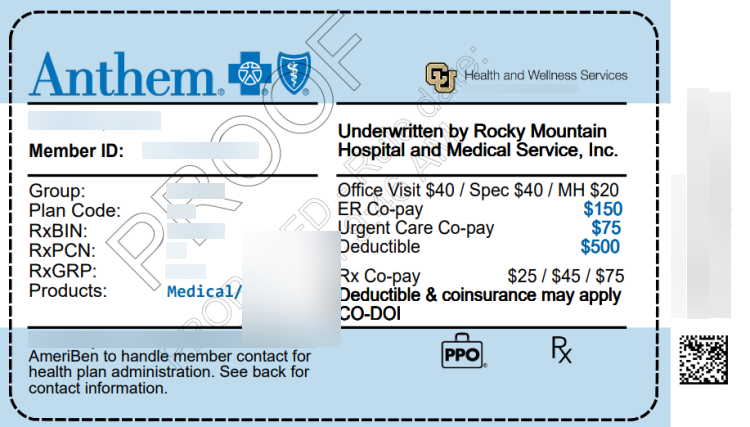
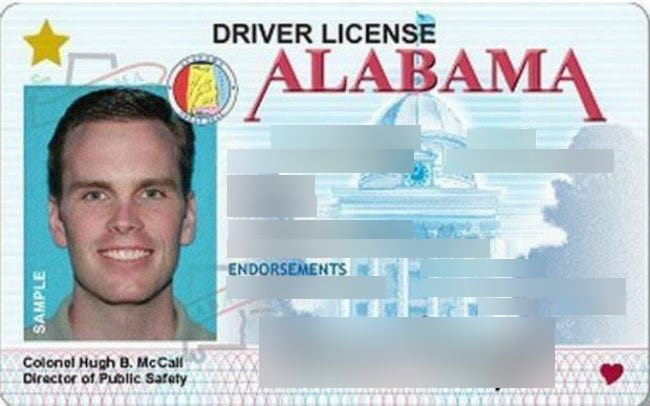
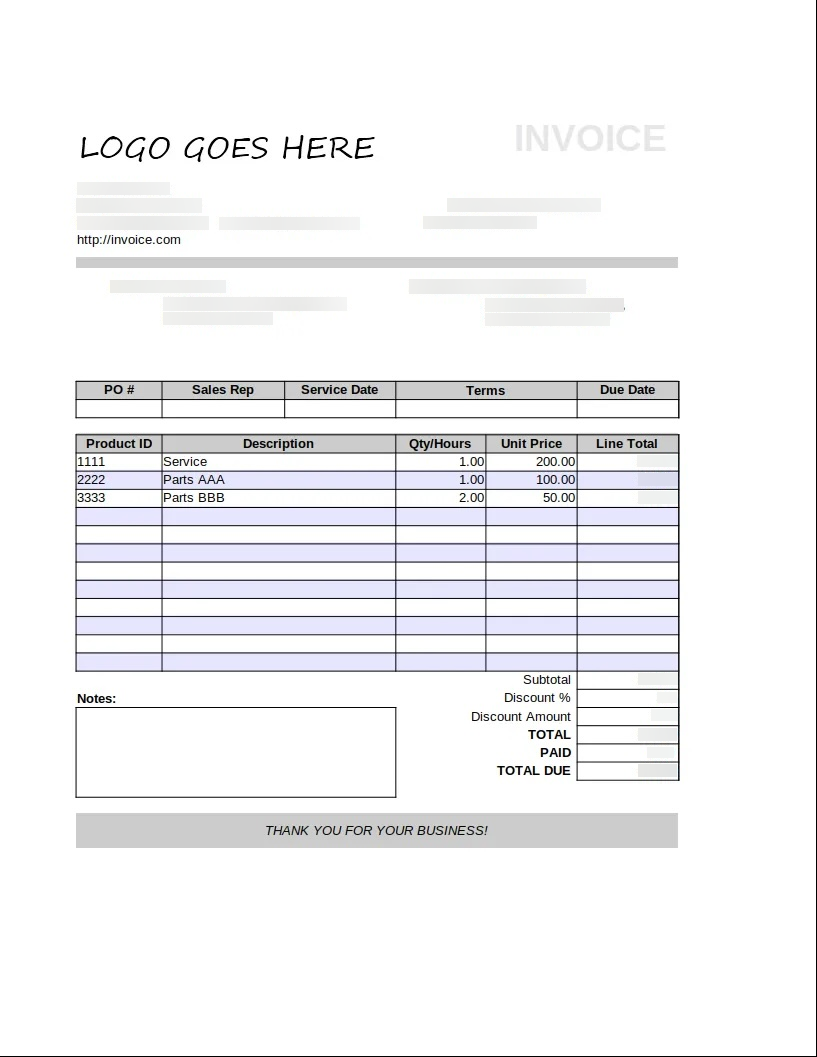
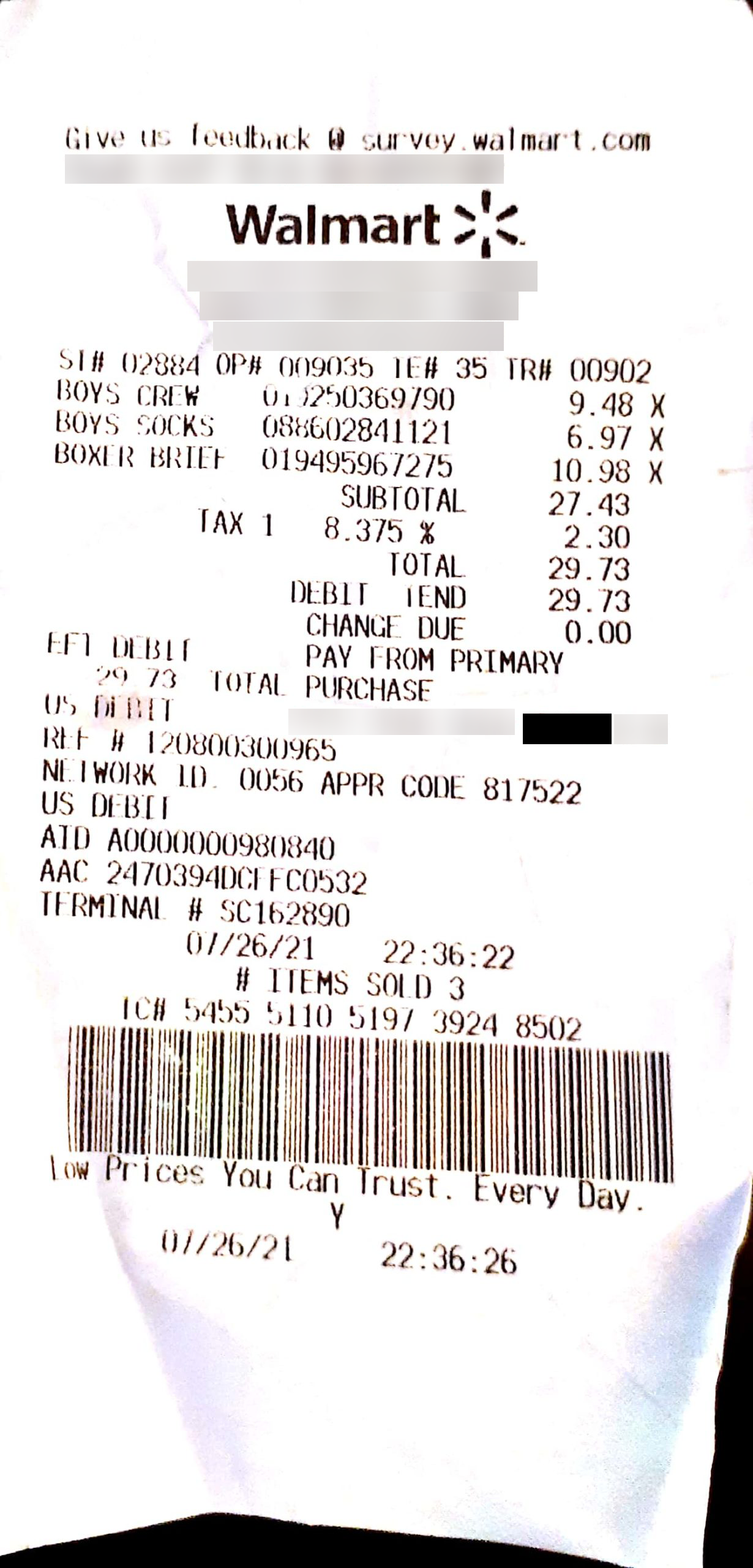
Industry-specific redaction examples
Related Capabilities
Structured Responses
Extract structured data from documents before redaction processing.
Visual Grounding
Locate sensitive information with precise coordinates for targeted redaction.
Custom Schemas
Define custom redaction rules for specific compliance requirements.
Long Context Outputs
Process large documents and complex multi-page reports.