

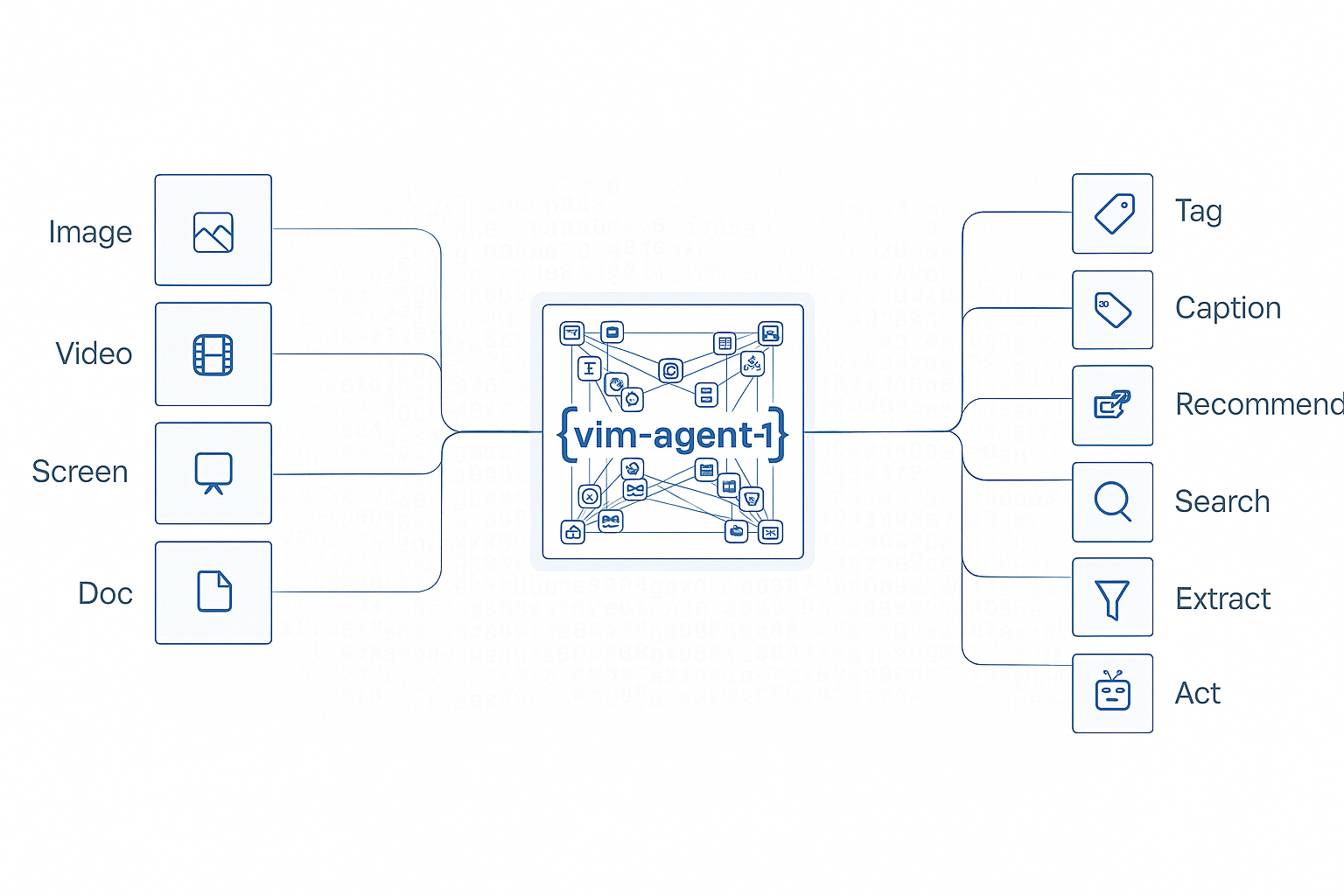
Agent Execution
Execute previously created agents on files to extract structured data with consistent, reproducible results. Monitor execution status and retrieve results asynchronously for long-running processing tasks.Key Features
- Consistent Results: Same agent produces identical output structure across executions
- Async Processing: Long-running extractions handled asynchronously with status tracking
- Batch Processing: Execute agents on multiple files efficiently
- Status Monitoring: Track execution progress from queued to completed
- Result Retrieval: Access structured results when processing finishes
Use Cases
Automated Document Processing
Process invoices, receipts, and forms at scale with consistent extraction
Data Entry Automation
Extract information from scanned documents to eliminate manual entry
Archive Digitization
Convert paper document archives to structured digital data
Multi-Source Integration
Extract data from various document types into a unified format
Industry Applications
- Healthcare: Patient care automation - process patient forms and medical records
- Legal & Finance: Insurance claims - automate claims document processing
- Retail: Omnichannel commerce - process product catalogs and receipts
- Manufacturing: Smart manufacturing - process quality control documents
Configuration Options
The following fields can be used when executing an agent. Onlyinputs is required.
Input Modalities
inputs is a dictionary of named context slots whose keys are arbitrary (they match the input schema of your agent — e.g. "file", "document", "reference_image", "instruction") and whose values are MessageContent items. Each MessageContent is a discriminated union — the type field selects the modality, and you can mix any number of modalities in a single request.
In addition to
MessageContent objects, each slot can be a plain JSON primitive (string, number, boolean, array, object) when the agent’s input schema declares a non-media field — e.g. an email_body string, an order_id integer, or a structured metadata object to pass as additional context alongside the uploaded file.
Generic example: all input types in one request
A singleinputs object can freely mix every modality together with raw strings / JSON. The example below combines an uploaded file (input_file), a file URL, an image URL, a video URL, an audio URL, a text instruction, and two plain-primitive context fields (an HTML email body string and a structured metadata object):
Document (PDF / Word / file URL)
Document (uploaded via Files API)
Upload first, then reference the returnedfile.id as an input_file:
Image + text instruction
Mix animage_url with a text context slot for multi-modal prompts:
Video / audio
Combining multiple modalities
A single request can combine any number of slots — e.g. a document to process, a reference image for style, and a text instruction:detail levels for images / video, typed Pydantic / Zod input models, and multi-modal chat completions — see the Multi-modal Inputs guide.
Example: Execute Agent by Name
Execute a previously created agent by referencing its name and version:Response Format
Example: Execute with Inline Prompt
Execute an agent using an inline prompt without creating a persistent agent:Response Format
Checking Execution Status
Monitor execution status and retrieve results when processing completes:Response Format (Completed)
Complete Workflow Example
Full workflow from file upload to result retrieval:Example Output
Response Fields
execution_mode
Indicates how the execution ran:
Program executions are significantly faster because they skip the LLM planning step. See Program Execution for details.
Execution Statuses
Retrieving Artifacts
Agent executions can generate artifacts such as processed images, videos, or documents. These artifacts are returned as object references (e.g.,ImageRef, VideoRef) in the response and can be retrieved using the execution ID.
Artifacts Guide
Learn more about working with artifacts, including supported types and retrieval patterns
Best Practices
- File Formats: Use high-quality PDFs or images (PNG, JPEG) for best results
- File Size: Keep files under 20MB for optimal processing speed
- Polling Interval: Poll status every 2-5 seconds to balance responsiveness and API load
- Error Handling: Always check execution status and handle failures gracefully
- Batch Processing: Use multiple concurrent executions for processing large batches
Monitor Executions
Track and monitor all your agent executions in the VLM Run dashboard