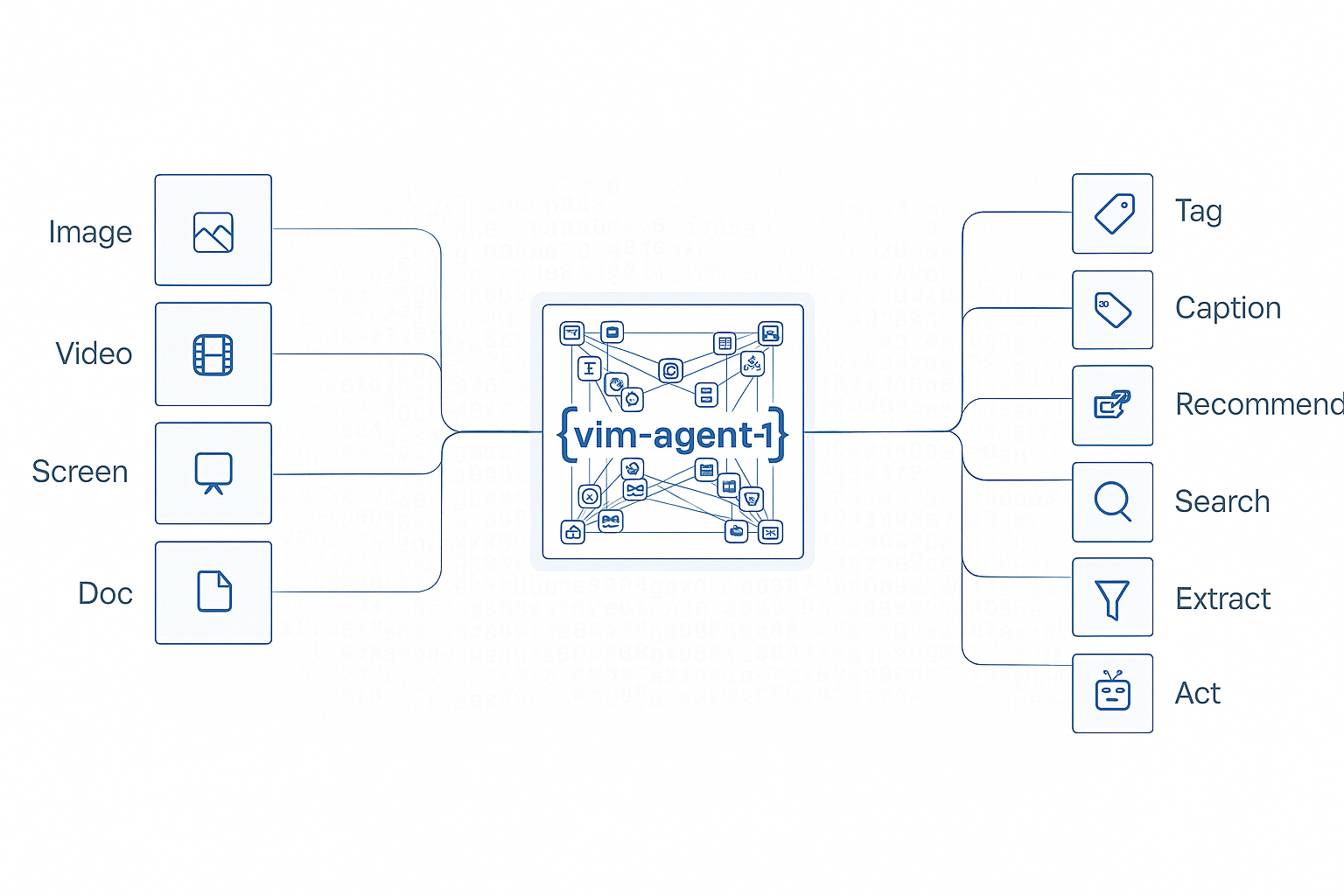
Agent creation example showing custom prompts and configurations

Agent Creation

Create reusable AI agents with custom prompts and JSON schemas for automated extraction and processing of documents, images, and other visual content. Define once, execute many times with consistent results.

Key Features

  • Reusable Workflows: Define an agent once, execute it repeatedly with different inputs
  • Custom Prompts: Specify exactly what information to extract using natural language
  • Structured Outputs: Define JSON schemas for type-safe, validated responses
  • Version Control: Manage different versions of agents for different use cases
  • Easy Integration: Simple API for creating agents programmatically or via UI

Use Cases

Invoice Processing

Extract invoice details like amounts, dates, and vendor information automatically

Receipt Management

Parse receipts from various stores into a unified structured format

Form Extraction

Pull structured data from filled forms, applications, and surveys

ID Card Parsing

Extract information from driver’s licenses, passports, and identity documents

Industry Applications

Configuration Options

Natural language description of what information to extract from the input files. Example: “Extract the invoice_id, date, total amount, and vendor name from the invoice.”
JSON Schema defining the structure of the expected output. If not provided, the system will automatically generate a schema based on the prompt.
Controls randomness in the output (0.0-1.0). Lower values produce more deterministic results.
Maximum number of tokens in the generated response.

Example: Creating a Basic Agent

Create a simple agent for extracting invoice information:
from vlmrun.client import VLMRun
from vlmrun.client.types import AgentCreationResponse, AgentCreationConfig

# Initialize the client
client = VLMRun(base_url="https://agent.vlm.run/v1", api_key="<VLMRUN_API_KEY>")

# Create the agent
response: AgentCreationResponse = client.agent.create(
    config=AgentCreationConfig(
        prompt="Extract the invoice_id, date, total amount, and vendor name from the invoice."
    )
)

print(f"Agent created: {response.agent.name}:{response.agent.version}")
print(f"Agent ID: {response.agent.id}")

Response Format

{
  "agent": {
    "id": "agt_abc123xyz",
    "name": "invoice-extractor",
    "version": "v1",
    "status": "active",
    "created_at": "2025-09-30T10:30:00Z",
    "config": {
      "prompt": "Extract the invoice_id, date, total amount, and vendor name from the invoice.",
      "temperature": 0.0,
      "max_tokens": 4096,
      "json_schema": {
        "type": "object",
        "properties": {
          "invoice_id": {"type": "string"},
          "date": {"type": "string"},
          "total_amount": {"type": "number"},
          "vendor_name": {"type": "string"}
        },
        "required": ["invoice_id", "date", "total_amount", "vendor_name"]
      }
    }
  }
}

Example: Creating an Agent with Custom Schema

For more control over output structure, provide a custom JSON schema:
from vlmrun.client import VLMRun
from vlmrun.client.types import AgentCreationResponse, AgentCreationConfig

client = VLMRun(base_url="https://agent.vlm.run/v1", api_key="<VLMRUN_API_KEY>")

# Define custom JSON schema
custom_schema = {
    "type": "object",
    "properties": {
        "store_name": {"type": "string"},
        "transaction_date": {"type": "string", "format": "date"},
        "items": {
            "type": "array",
            "items": {
                "type": "object",
                "properties": {
                    "name": {"type": "string"},
                    "quantity": {"type": "integer"},
                    "price": {"type": "number"}
                },
                "required": ["name", "quantity", "price"]
            }
        },
        "subtotal": {"type": "number"},
        "tax": {"type": "number"},
        "total": {"type": "number"}
    },
    "required": ["store_name", "transaction_date", "items", "total"]
}

# Create the agent with schema
response: AgentCreationResponse = client.agent.create(
    config=AgentCreationConfig(
        prompt="Extract all receipt information including store name, date, items, and totals.",
        json_schema=custom_schema,
        temperature=0.1
    )
)

print(f"Agent ID: {response.agent.id}")
print(f"Schema properties: {list(response.agent.config.json_schema['properties'].keys())}")

Response Format

{
  "agent": {
    "id": "agt_xyz789def",
    "name": "receipt-parser",
    "version": "v1",
    "status": "active",
    "created_at": "2025-09-30T10:35:00Z",
    "config": {
      "prompt": "Extract all receipt information including store name, date, items, and totals.",
      "temperature": 0.1,
      "max_tokens": 4096,
      "json_schema": {
        "type": "object",
        "properties": {
          "store_name": {"type": "string"},
          "transaction_date": {"type": "string", "format": "date"},
          "items": {
            "type": "array",
            "items": {
              "type": "object",
              "properties": {
                "name": {"type": "string"},
                "quantity": {"type": "integer"},
                "price": {"type": "number"}
              },
              "required": ["name", "quantity", "price"]
            }
          },
          "subtotal": {"type": "number"},
          "tax": {"type": "number"},
          "total": {"type": "number"}
        },
        "required": ["store_name", "transaction_date", "items", "total"]
      }
    }
  }
}

Best Practices

  • Clear Prompts: Write specific, unambiguous prompts describing exactly what to extract
  • Schema Definition: Define JSON schemas for complex structures to ensure type safety
  • Temperature Control: Use low temperature (0.0-0.2) for consistent extraction tasks
  • Field Naming: Use clear, descriptive field names in your JSON schema
  • Testing: Test agents with sample documents before production deployment

Try Agent Creation

Create and manage your agents in the VLM Run platform